TaskLeo
A clearer path from to-do to done.
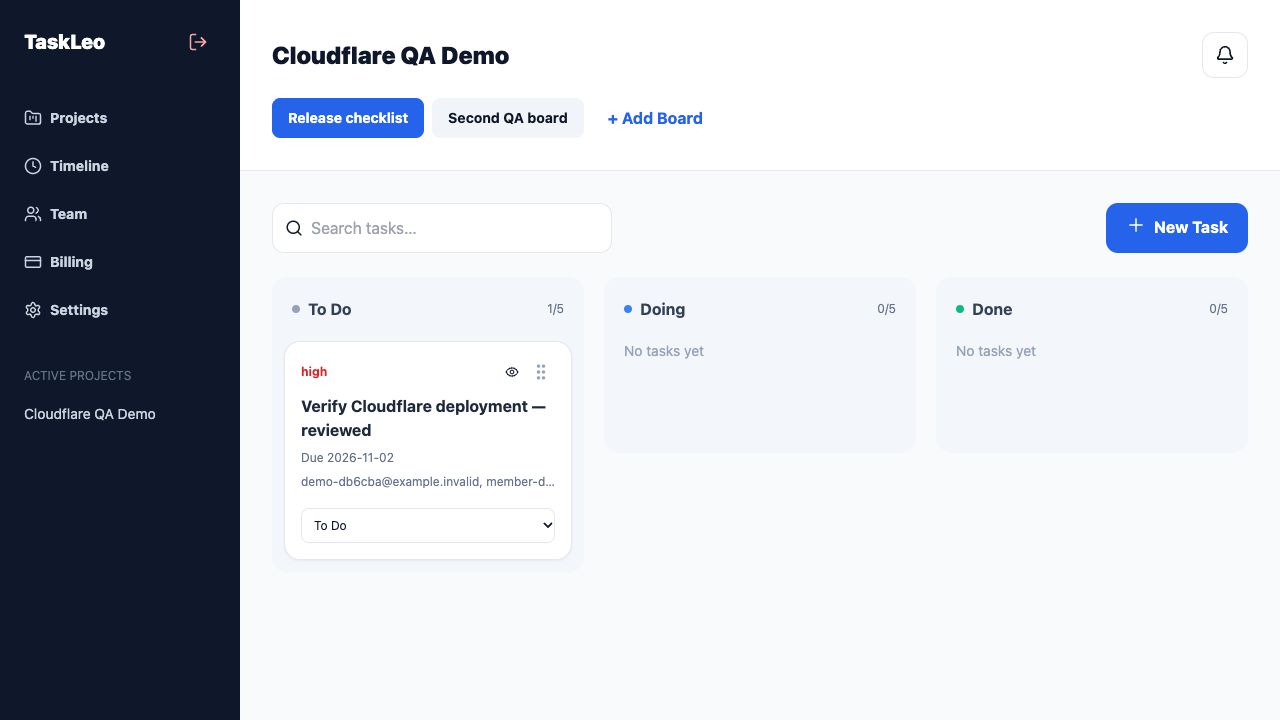
Web app · Available now
Open TaskLeoTHOUGHTFUL TOOLS FOR EVERYDAY WORK
Plan your work. Share with confidence.
Keep the good ideas.
YOUR EVERYDAY TOOLKIT
A clearer path from to-do to done.
Web app · Available now
Open TaskLeoYour files. Your key. A simple handoff.
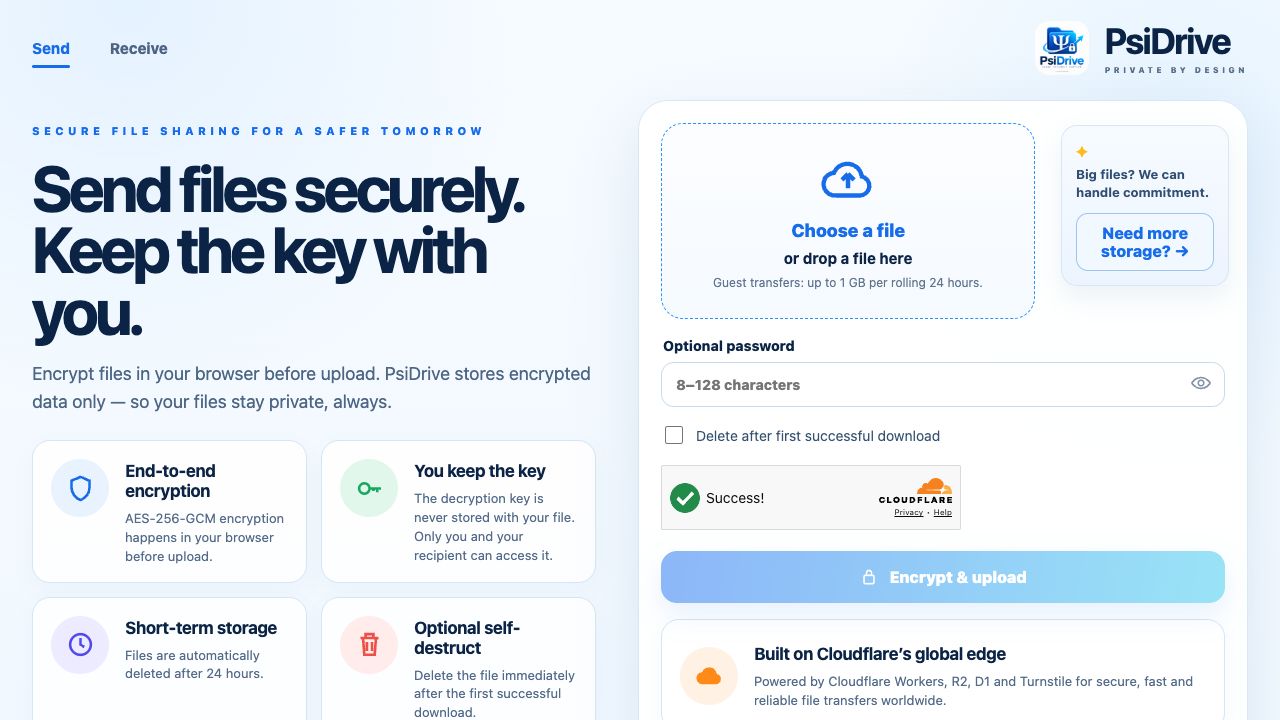
Web app · Available now
Open PsiDriveBe present. Keep the important parts.
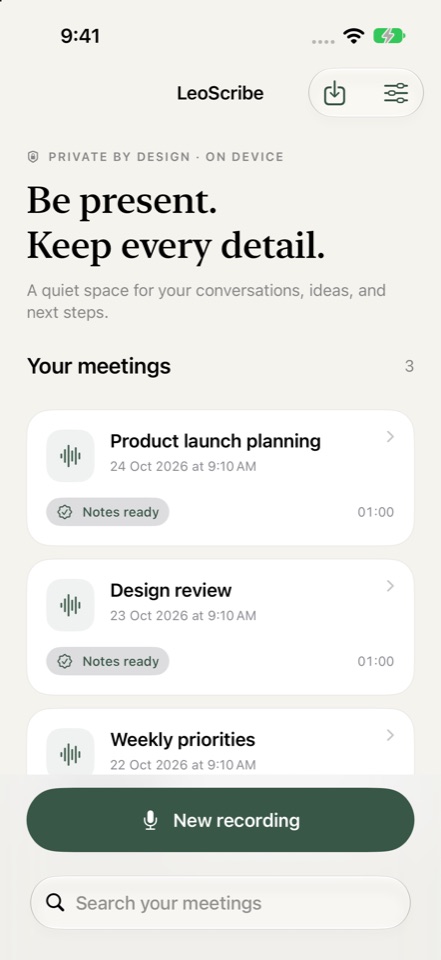
iPhone & Apple Watch · Coming soon
Explore LeoScribeTRY THE DEMOS
Choose a product, follow the steps, and make yourself at home.
TASKLEO / A CLEARER NEXT STEP
Every great project starts with a first step.
1. Choose a sample file
Choose a sample above. Your files stay untouched.
Visual preview only · no sound or microphone access
Fictional conversation · prepared example notes
A FEW THINGS, ANSWERED
Each product has its own access model. TaskLeo uses a team account; PsiDrive offers guest file sharing; LeoScribe runs on your device without a LeoScribe account. There is no shared LeoCloudAI login.
Yes. The examples on this page work directly in your browser. They use fictional content and do not upload files, record audio, or change your real product data.
Open a product’s website for its current availability and plans. LeoScribe’s website currently lists its App Store release as coming soon.
Write to hello@leocloudai.com, or use the product support links below. For the story behind the tools, meet the creator.
BEHIND THE TOOLS
Meet the creator and the thinking behind LeoCloudAI.
Read our story ↗